> ## Documentation Index
> Fetch the complete documentation index at: https://docs.xpander.ai/llms.txt
> Use this file to discover all available pages before exploring further.
# Runtime environments
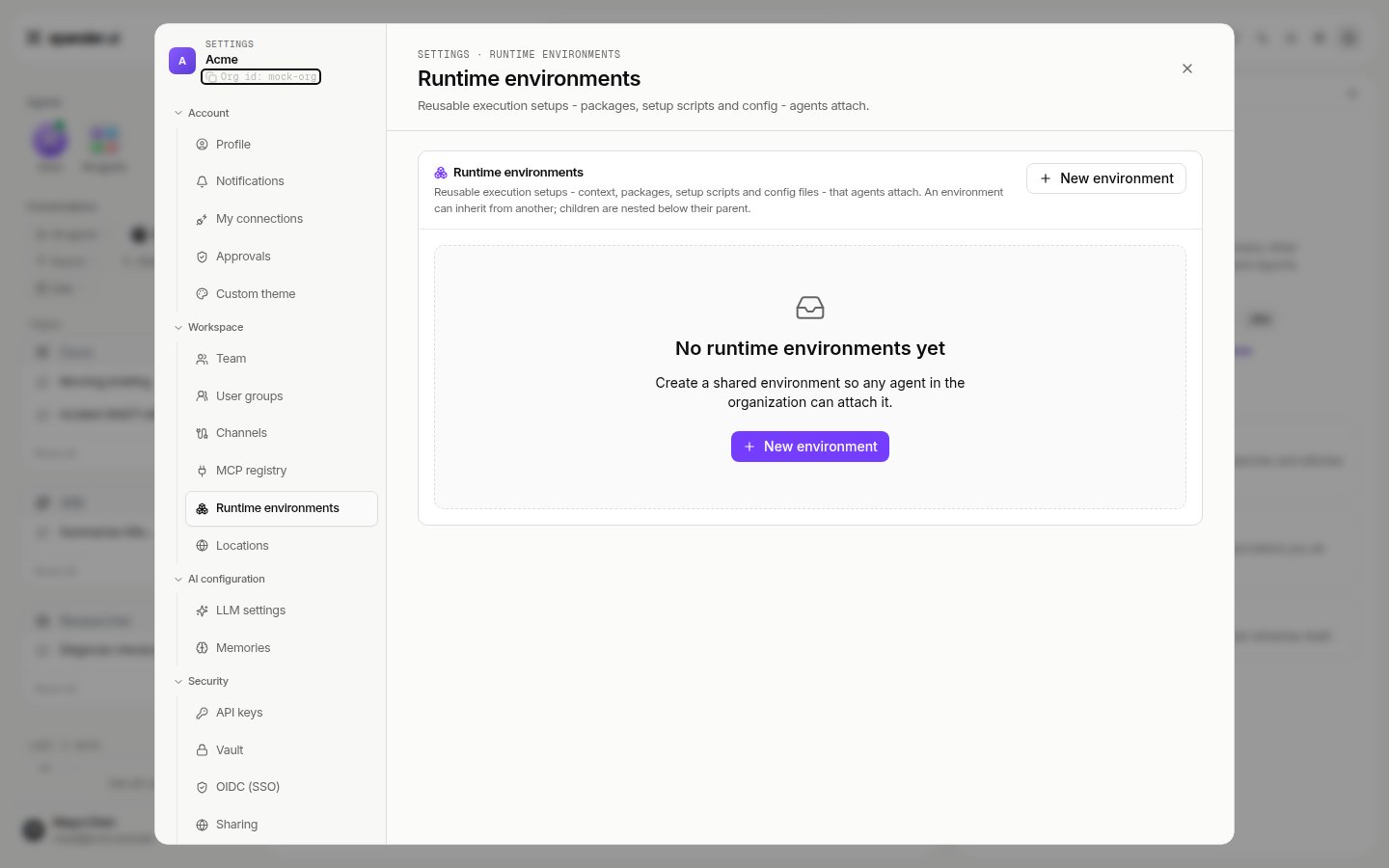
> A runtime environment is the agent's computer: the CLIs, packages, config files, setup scripts and standing context it finds installed on every run. Defined once under Settings > Runtime environments, attached per agent, inherited from a parent.
A **runtime environment** is the agent's computer. Everything a person has preinstalled on a laptop before starting work, the AWS CLI with a kubeconfig, `kubectl`, the Snowflake or Google Cloud CLI, a language toolchain, the team's conventions, is what the agent finds installed when its session starts. It is attached **per agent**, not per session: every conversation of that agent starts on the same computer.
This is a different thing from the two other places an agent has:
| | What it is | Where it is set |
| ----------------------- | -------------------------------------------------------------------------------- | ----------------------------------------------------------------------------------------------------------- |
| **Runtime environment** | What is installed: CLIs, packages, config files, setup scripts, standing context | Settings > **Runtime environments**, attached under Agent settings > **Advanced** > **Runtime environment** |
| **Workspace** | The agent's files: its working directory, the files it produces and shares | The agent's **Agent workspace** |
| **Location** | Where the computer runs: xpander cloud or one of your self-hosted clusters | Settings > **Locations**, the **Environment** picker on **New agent** |
A CLI in the runtime environment often replaces a skill. An agent with the AWS CLI and a kubeconfig operates the account the way an engineer does, one command at a time, instead of needing a skill for every operation. The same holds for a Snowflake or Google Cloud CLI, or anything else a laptop would have.
## What goes in
Settings > **Runtime environments** > **New runtime environment**: "Context, packages, setup scripts and config files an agent inherits when it attaches this environment."
| Field | What it does |
| ----------------------------------- | ------------------------------------------------------------------------------------------------------------------------------------------------------------------------ |
| **Name**, **Icon**, **Description** | How the environment appears in the agent's picker |
| **Inherits from** | A parent environment, or **No parent (root)**. A child gets everything the parent has and adds its own |
| **Context** | Markdown the agent reads at the start of every run: team conventions, what each repository does, what to check before opening a pull request. Up to 32,768 characters |
| **Packages** | **pip**, **npm**, **pnpm** and **brew** packages, one entry each. Brew is how CLIs get in: `awscli`, `kubectl`, `snowflake-cli`, `google-cloud-sdk` |
| **Setup scripts** | Scripts that run when the environment is built, for anything a package manager does not cover |
| **Config files** | Non-secret files written at a home-relative path, for example `.kube/config`; a leading `~/` is fine. Never put a secret here; workspace secrets always win at turn time |
 ## How it reaches the agent
The environment is built once and mounted read-only into every session of the agents that attach it. The context is read at the start of every run and is managed only in Xpander Chat, so an agent cannot rewrite the guidance it was given. Because the environment is attached to the agent, it follows the agent to whichever location it runs in.
Secrets are not part of a runtime environment. A CLI reads its credential from the agent's **Workspace secrets** at the moment of a call, so a kubeconfig or a cloud profile in **Config files** names the endpoint and the account, never the key.
## Attach it to an agent
Agent settings > **Advanced** > **Runtime environment** lists the organization's environments; pick one. The agent's next session starts on it. Switching environments does not touch the agent's files.
## How it reaches the agent
The environment is built once and mounted read-only into every session of the agents that attach it. The context is read at the start of every run and is managed only in Xpander Chat, so an agent cannot rewrite the guidance it was given. Because the environment is attached to the agent, it follows the agent to whichever location it runs in.
Secrets are not part of a runtime environment. A CLI reads its credential from the agent's **Workspace secrets** at the moment of a call, so a kubeconfig or a cloud profile in **Config files** names the endpoint and the account, never the key.
## Attach it to an agent
Agent settings > **Advanced** > **Runtime environment** lists the organization's environments; pick one. The agent's next session starts on it. Switching environments does not touch the agent's files.