

api_callers_name_end_user: true in Update Agent.
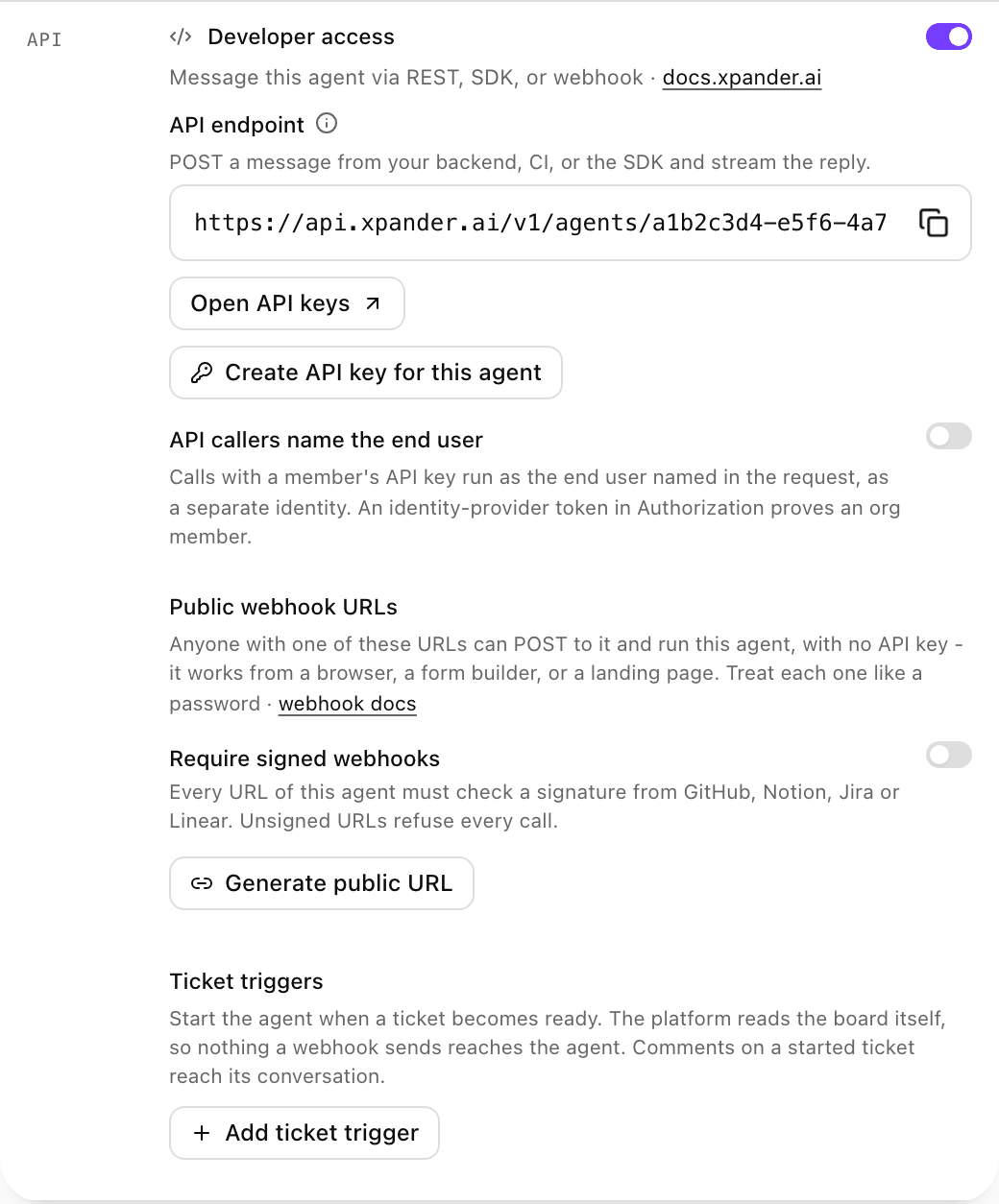
The API section of an agent's Channels, with Developer access on and the API callers name the end user switch below the API endpoint. Shown with sample data.
- The user you name runs as a separate end user, with their own memory, conversations and sign-ins. On the API that is
input.user(emailis required). On the webhook it isuser_idoruser_email. That end user is never one of your organization’s members, even when the id or email matches one. - With no token in
Authorization, the person the request names runs as an end user that xpander has not verified. - An end user can only continue their own conversations. Continuing another person’s conversation (
idon the API,task_idon the webhook) answers403. - When the call carries the user’s identity provider token in
Authorization: Bearer <token>, xpander verifies it with your organization’s identity provider (the one set up for SSO). A verified token whose email belongs to a member runs as that member; any other verified token runs as the end user the token names. A token the identity provider rejects answers401; if xpander cannot reach the identity provider, the call answers503. - Calls made with the organization’s default API key are unchanged: they run as whoever the request names.
403.
Call the agent
Pass the user’s tokens to MCP skills
There are three ways the user’s token reaches an MCP skill. You can mix them on one agent.-
user_tokens: a token per skill, keyed by the skill’sidon the agent (theidfield intoolsfrom Get Agent, notmcp_id). A string value is sent asAuthorization: Bearer <value>; an object value is sent as the request headers. A key that matches no skill is ignored, and that skill falls back to its own sign-in. -
Skills set to Signed-in user (SSO): in the skill’s form, Authentication is Signed-in user (SSO) and Token sent picks the mode. On an agent with API callers name the end user on, a verified token in
Authorizationreaches each of these skills in that mode: as is (Access token), or exchanged for the Audience you set (Exchange for an audience). Auser_tokensentry for the skill wins.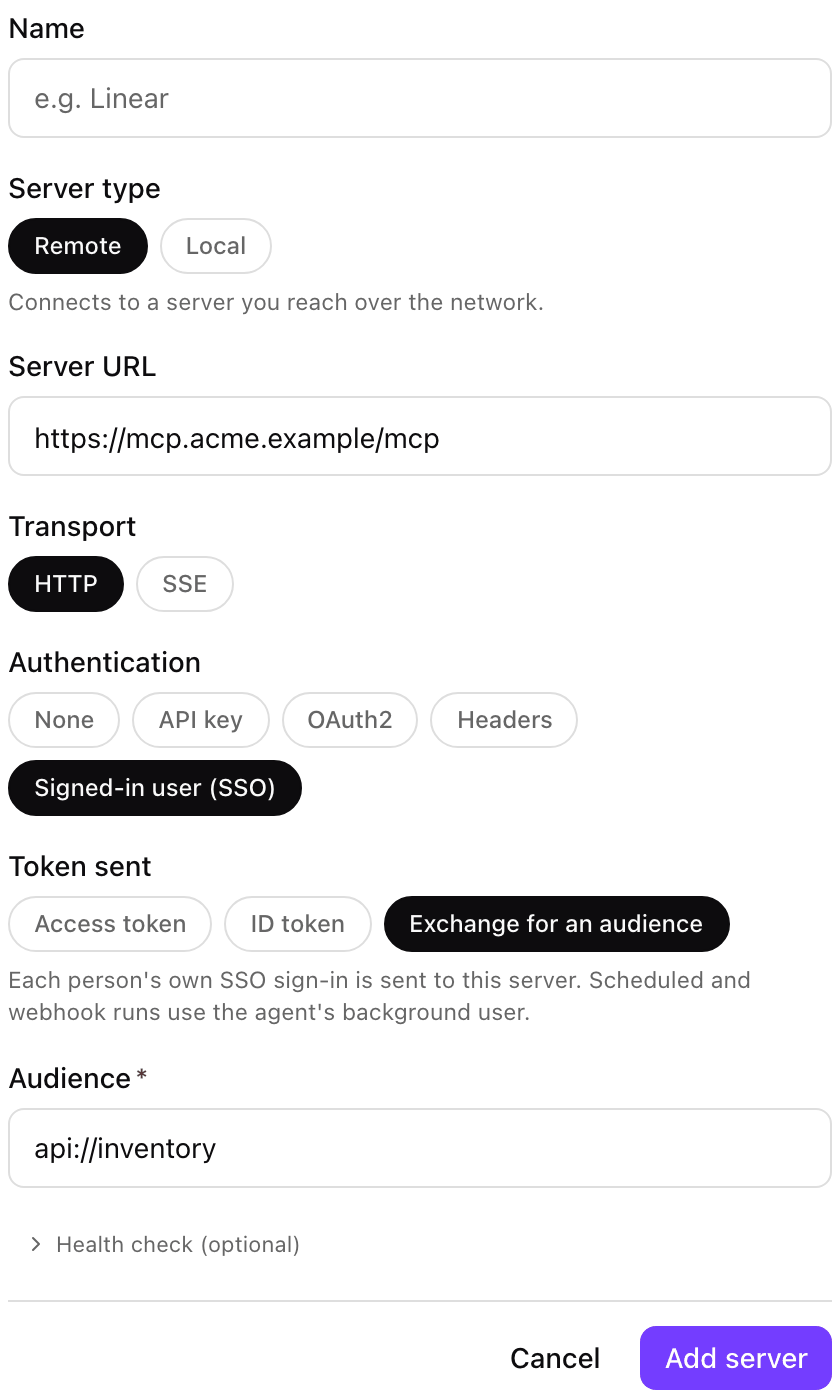
An MCP skill signed in as the Signed-in user (SSO), with Token sent set to Exchange for an audience and its Audience filled in. Shown with sample data.
-
Identity provider pre-authentication on the agent: the exchanged token goes only to skills with Send the user’s identity provider token turned on. The switch is in the skill’s Edit form on the agent, shown when the agent uses identity provider pre-authentication and the skill’s Authentication is not Signed-in user (SSO). Over the API it is
use_pre_auth_token: truein the add-skill API. Skills that were on the agent before this setting existed keep receiving it. Where this token applies, it is used instead of that skill’suser_tokensentry.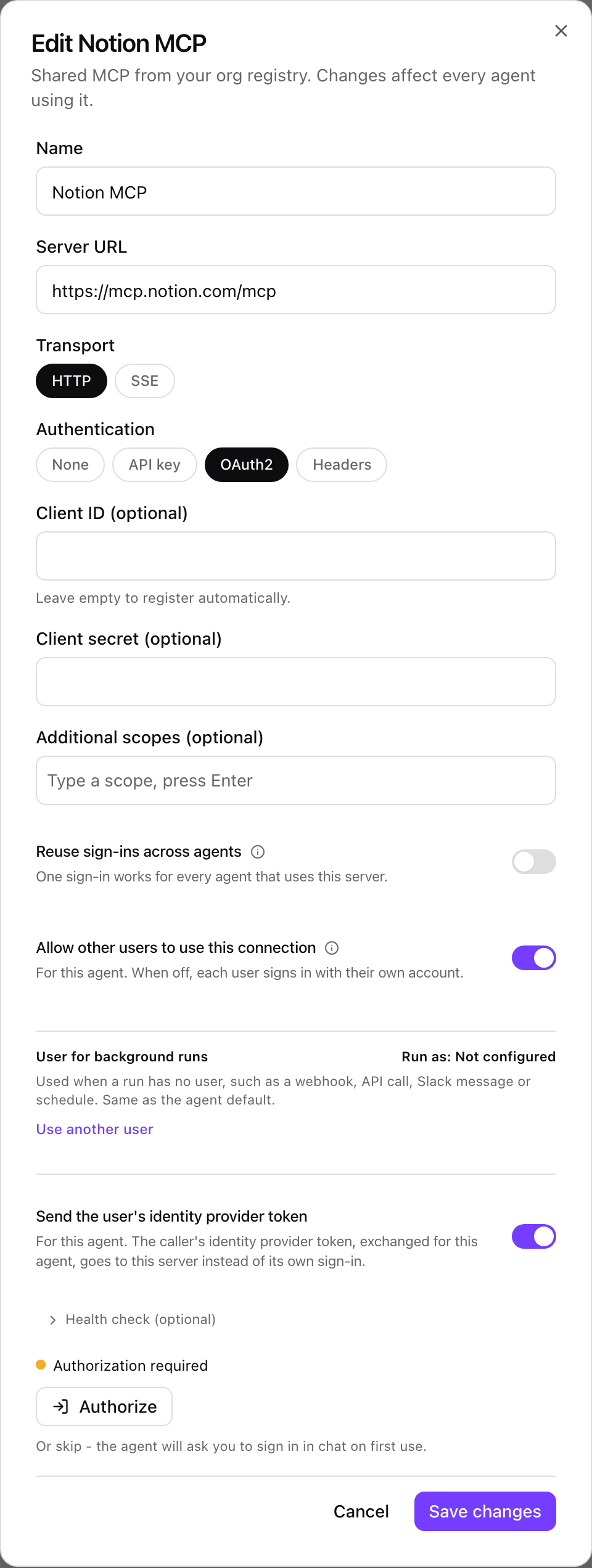
An MCP skill's Edit form on an agent, with Send the user's identity provider token turned on. Shown with sample data.
Before you turn it on
- Token checks use the identity provider set up for SSO. Your users’ tokens must come from that issuer, and its discovery document, JWKS and userinfo endpoints must be reachable from xpander (on a self-hosted install, from the pods).
- To exchange a token for a skill’s audience, your identity provider must allow token exchange for that audience on the client you set up in xpander.
- Turn it on only on agents your own app calls for end users.