

What Live Surfaces Are For

Use Live Surfaces to show:
  • Daily briefs
  • Agent health dashboards
  • Usage reports
  • Scheduled job status
  • Incident monitors
  • Customer workflow trackers
  • Progress views
  • Generated HTML reports
  • Stale or outdated data indicators

Why They Matter

Many agents do work in the background. Live Surfaces make that work inspectable. You can see what ran, what changed, what failed, and what needs attention without asking the agent to explain everything from scratch.
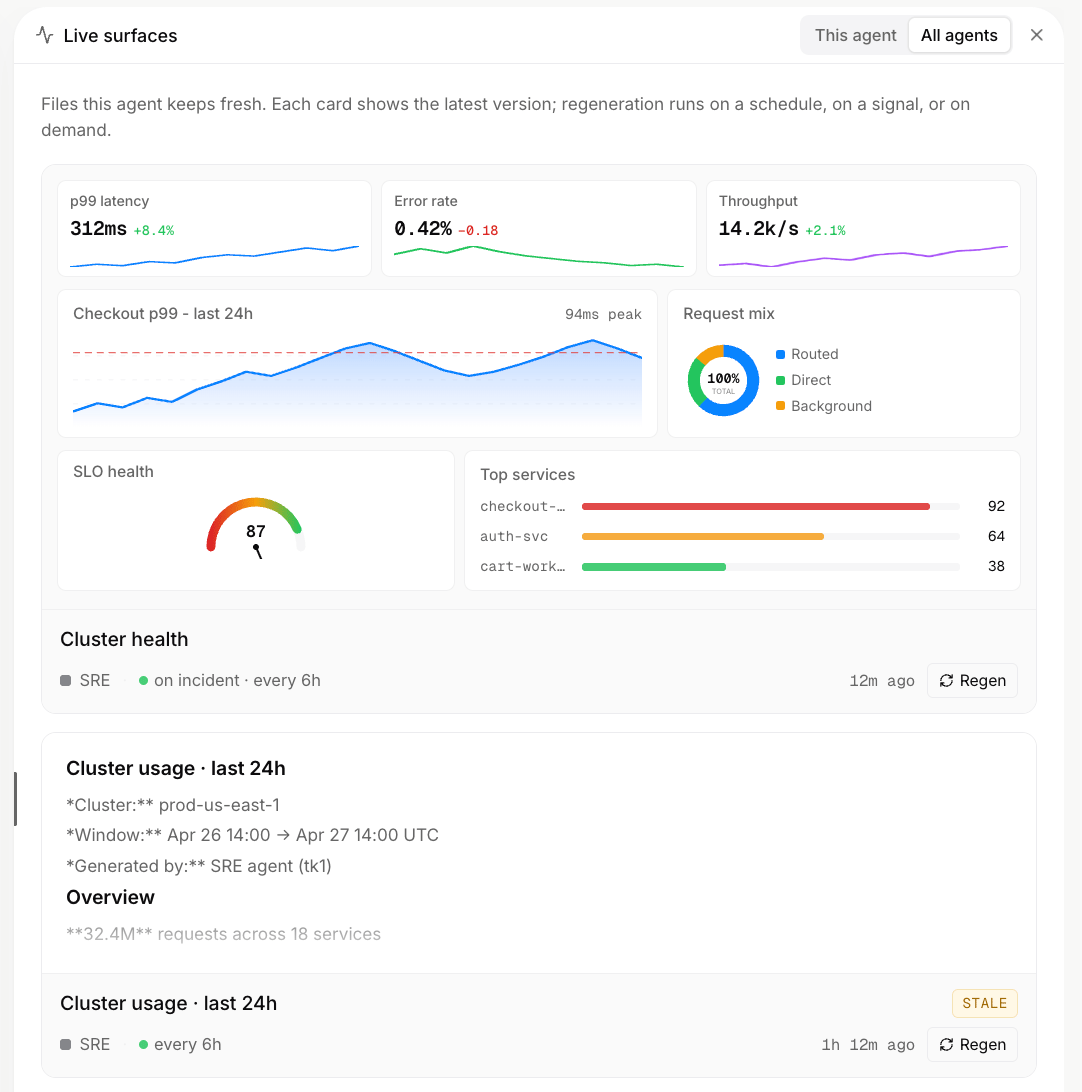
Live Surfaces dashboard

How They Work

A Live Surface is usually backed by generated data and a reusable visual template. For example, an agent can create a fresh data file for today’s morning brief and render it through the same HTML template every time. The surface stays consistent, while the data changes for each run.

When To Use Live Surfaces

Live Surfaces are useful when the output is easier to understand visually than as chat text. Use them for dashboards, status reports, task lists, summaries, monitors, and recurring briefs.

Regeneration

Some surfaces represent a point-in-time snapshot. If the data becomes stale, the agent can regenerate the surface, update the underlying data, or create a new shareable version.