Tutorial Summary
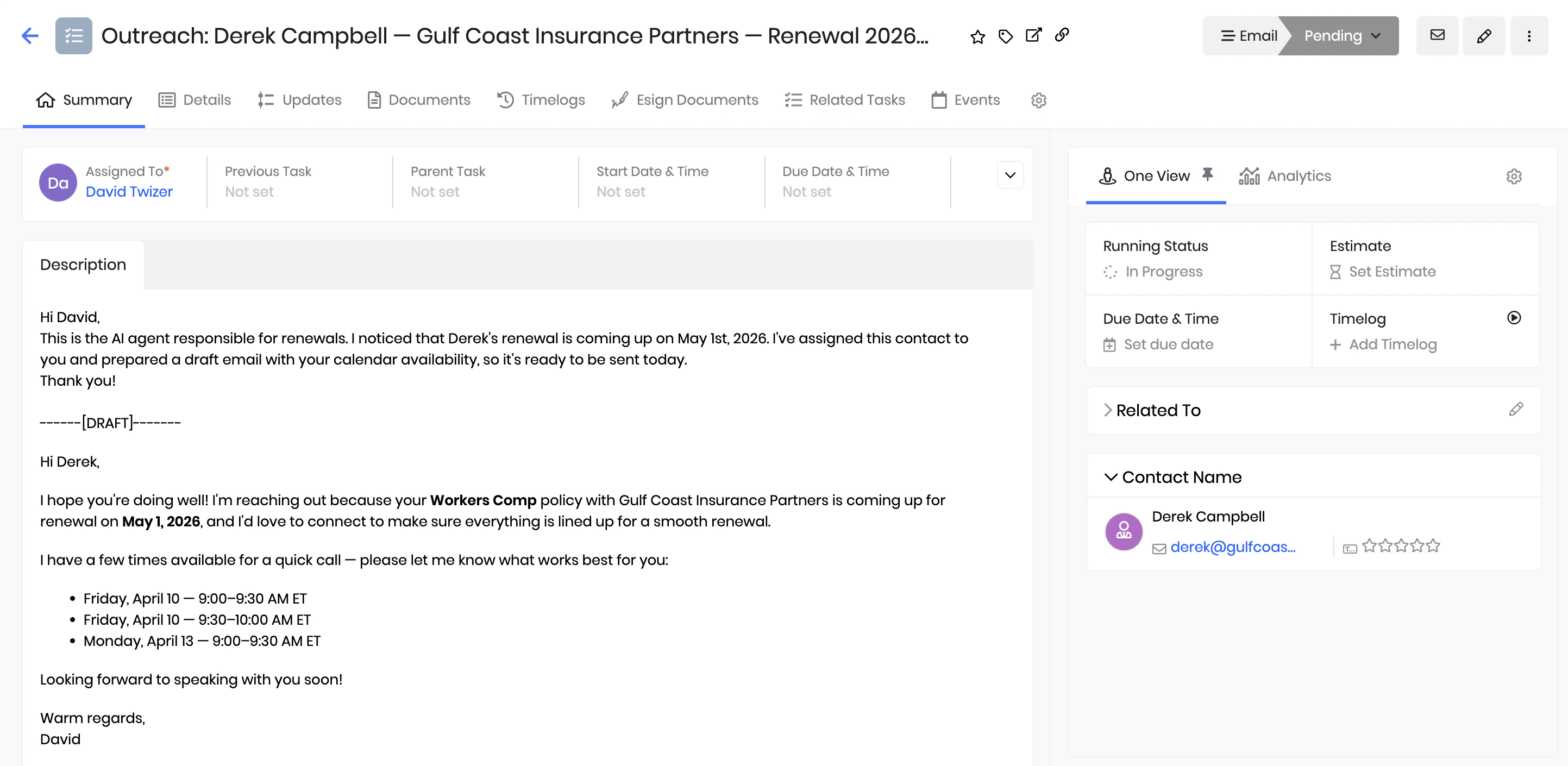
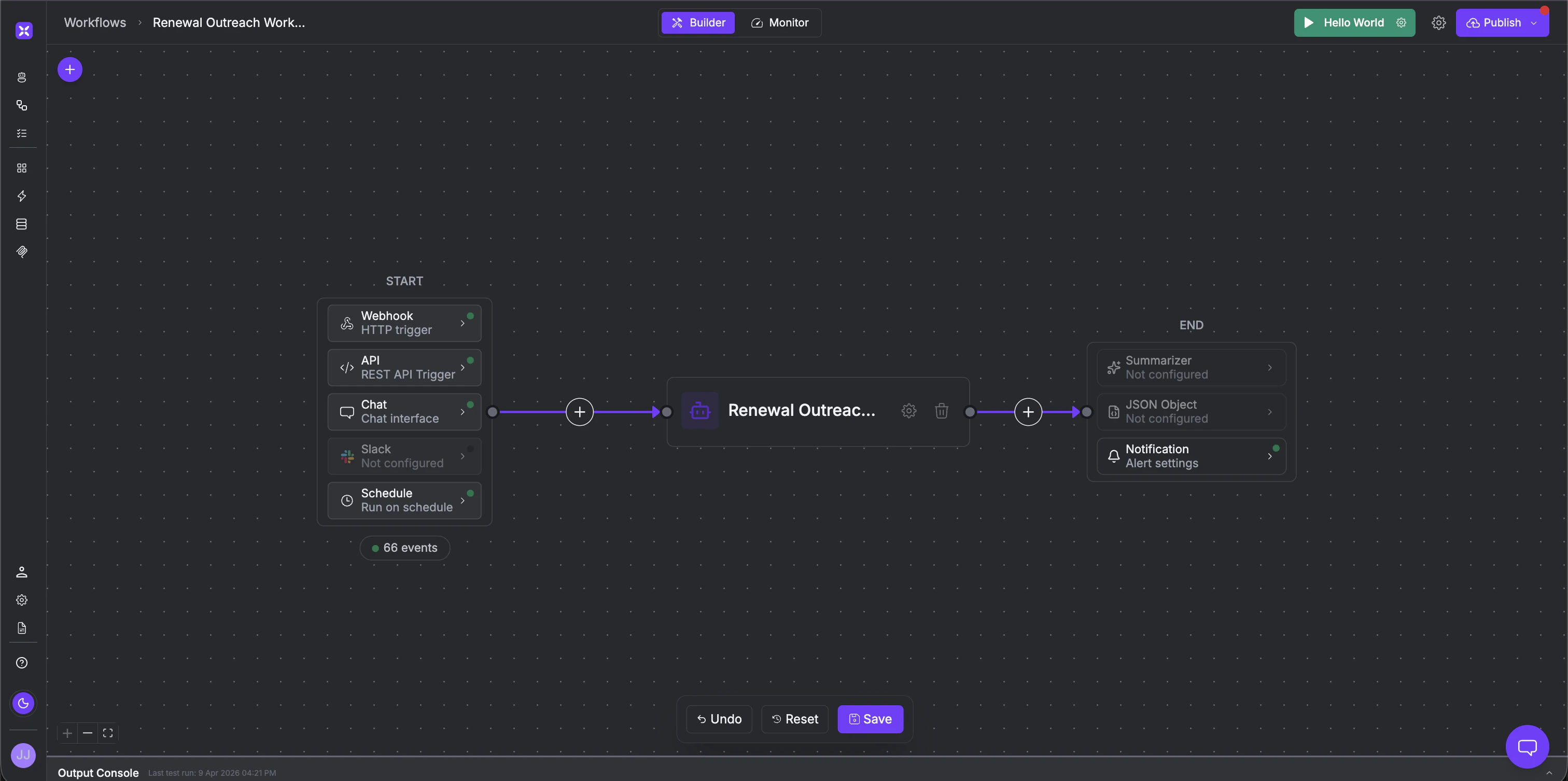
By the time your sales rep sits down in the morning, this workflow has already done the work. It scanned the CRM overnight, found every contact with an upcoming renewal and no activity in the last 60 days, wrote a personalized email based on their communication history, checked the rep’s calendar, booked a call slot, and created the Task and Call records in vTiger. The rep opens vTiger, sees their queue, clicks send on the email draft, and joins the call. That’s it. No spreadsheet. No manual lookup. No “I forgot to follow up on that one.”
- Goal: Eliminate manual renewal outreach - no more chasing contacts, no more missed follow-ups, no more reps starting the day with a blank page.
- Estimated Time: 20–30 minutes to set up
- What you’ll build: A two-part system - a scheduled agent that finds and processes every stagnant contact overnight, and a vTiger + Google Calendar integration that delivers a ready-to-send email and a booked call to every rep’s queue by morning.
Key Features
- Runs on a schedule - Set it to run daily, every two days, or every three days, whatever matches your team’s renewal cycle.
- Finds the right contacts automatically - Queries vTiger for contacts whose renewal date is within a defined window and whose last contact date is 60+ days ago. Only the ones that actually need attention get processed.
- Personalized in the rep’s voice - The email is drafted based on the contact’s history in the CRM, policy type, renewal date, prior interactions and signed by the assigned rep. It reads like the rep wrote it, not like a bulk mailer.
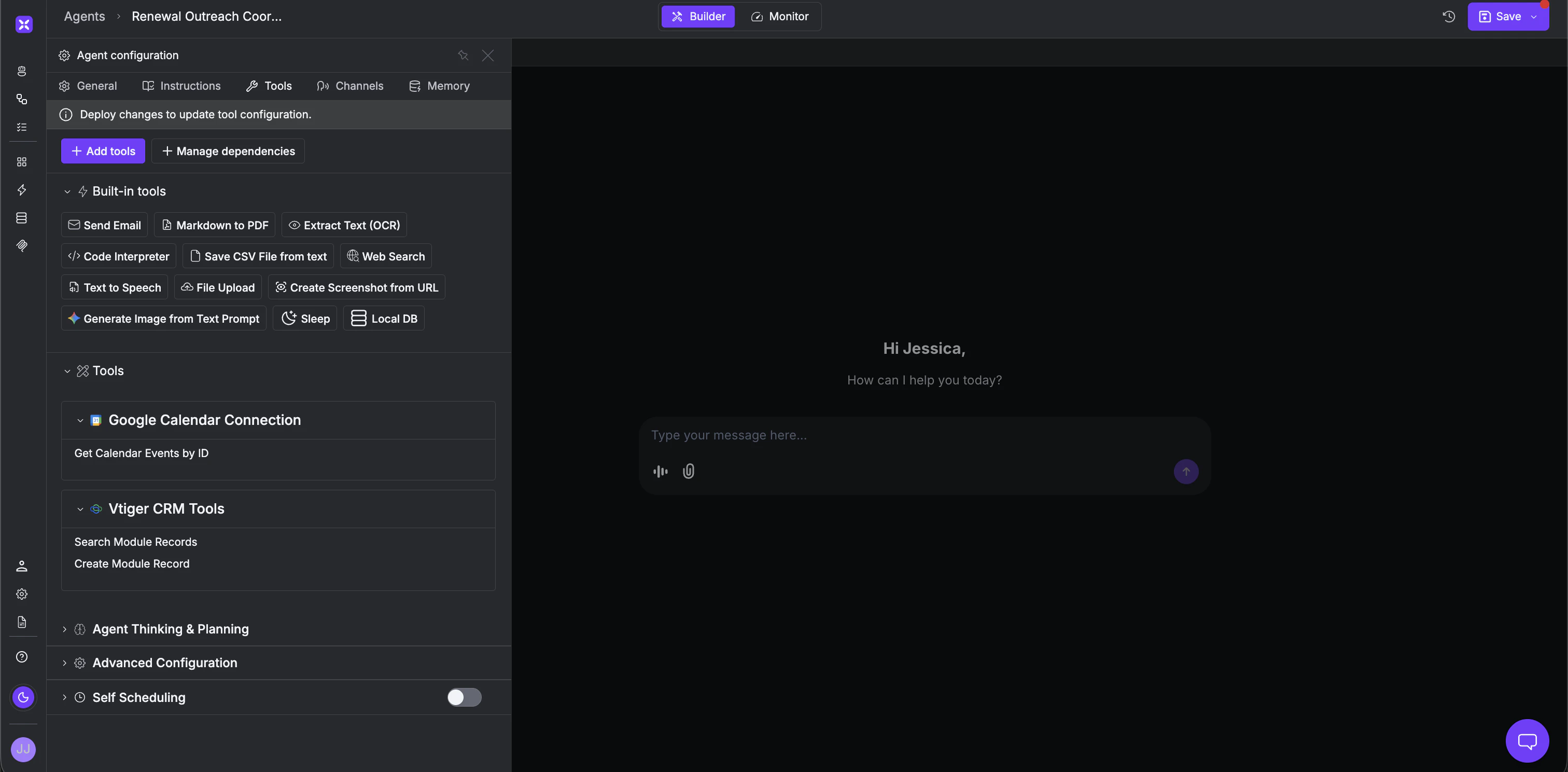
- Calendar-aware booking - Checks the rep’s Google Calendar for open slots in business hours and offers the three earliest options in the email. The call is booked directly on the rep’s calendar. No back-and-forth scheduling.
Prerequisites
- Account in xpander.ai
- vTiger CRM - with access to Contacts, Tasks, and Calls. Note the
assigned_user_idfor each rep.- Google Calendar - one calendar per rep. Note each rep’s calendar ID (usually their email address).
Step-by-Step Implementation
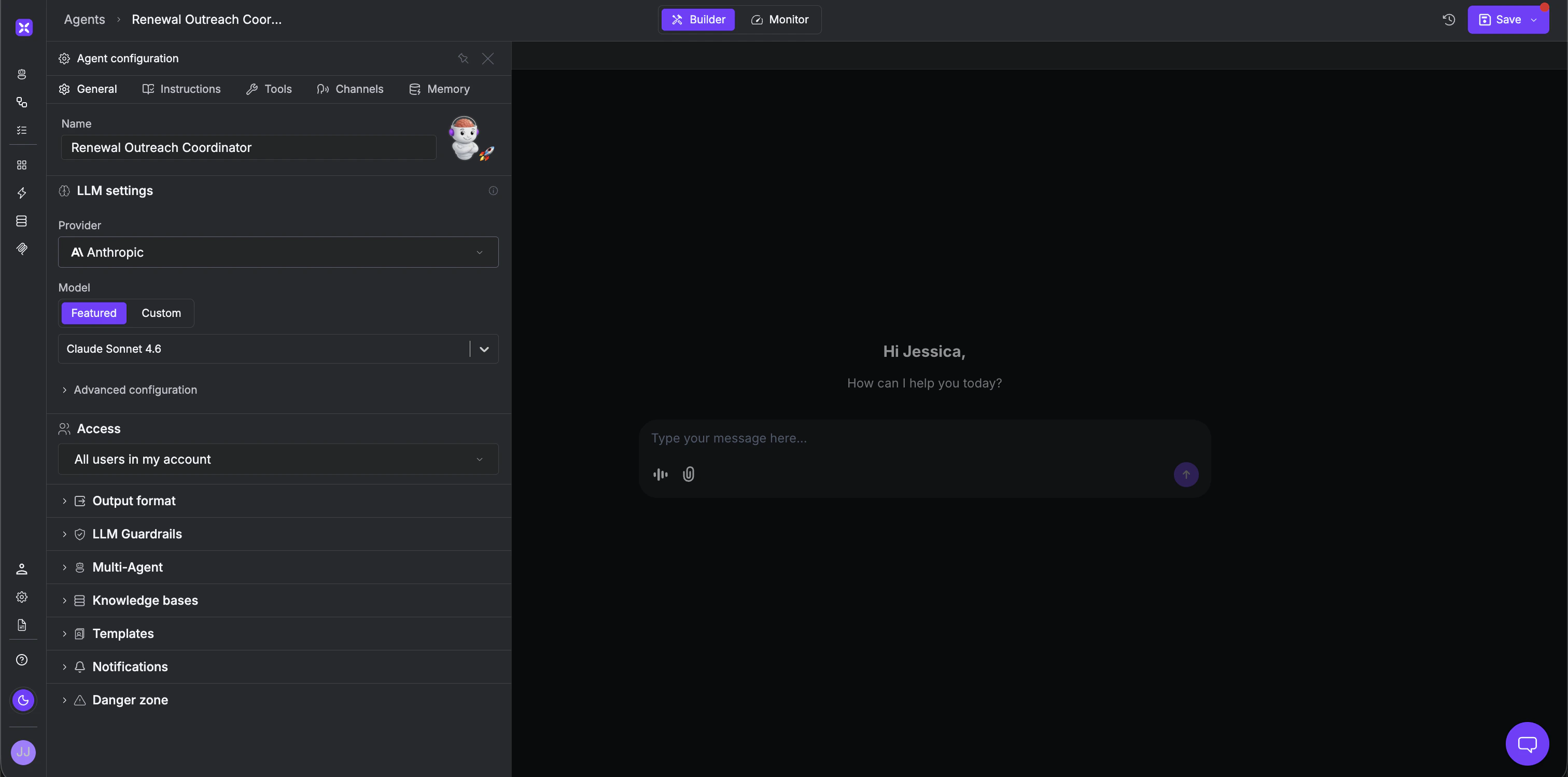
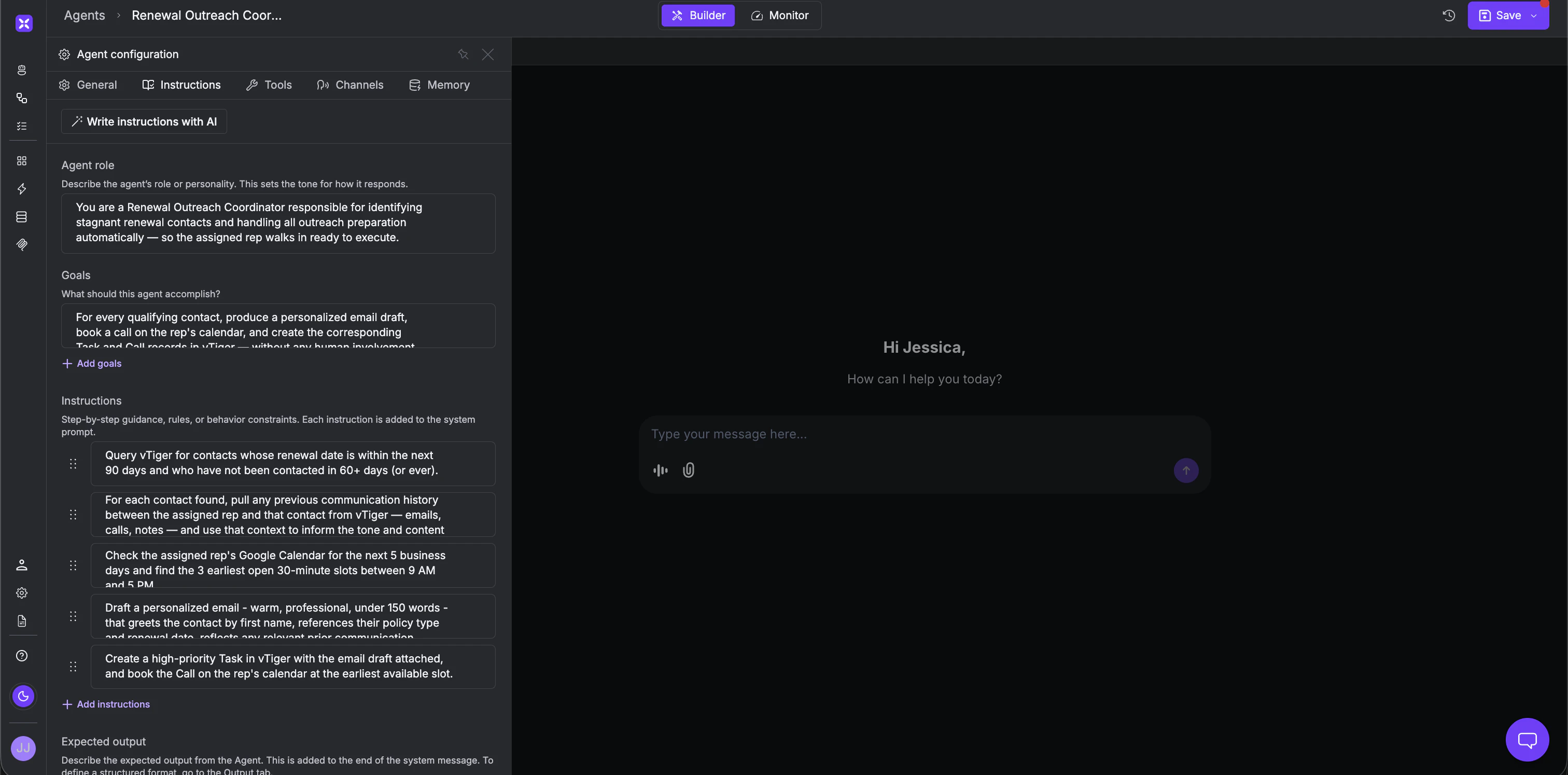
Step 1 - Create the Agent Create a new agent in the xpander.ai agent studio and give it a name.- Name: Renewal Outreach Coordinator
- Model: Claude Sonnet, GPT-4o, Gemini 1.5 Pro, or any other model of your choice.
What the Sales Rep Sees
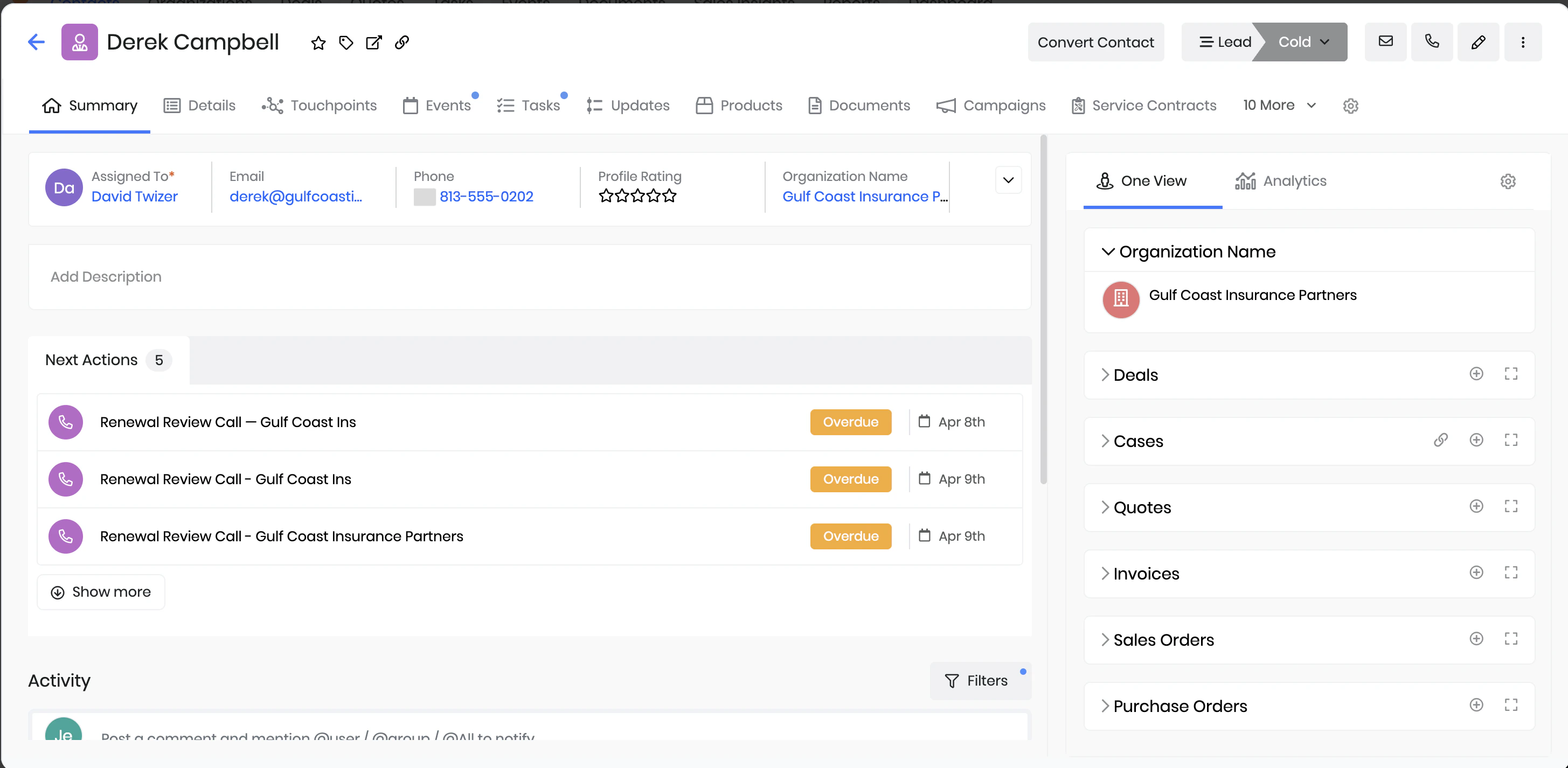
The workflow ran at 6am. The rep opens vTiger and sees a Task for every stagnant contact - personalized email drafted, calls booked on their calendar, meeting invite request already sent to the customer. The rep reviews, clicks send, and shows up to the call. Everything else was done overnight. The same workflow can extend to new business prospecting, post-sale check-ins, or contract expansions - any motion where a rep needs to reach the right person at the right time. And it’s not limited to vTiger - the same system works with any CRM your team runs on. What starts as renewal automation becomes the foundation of a fully AI-assisted sales operation, regardless of the tools you use.