

The Vault
Platform > Agents > Secrets (admins) holds every credential in the workspace: environment secrets, environment files and credentials shared across the organization. Each one is usable by Everyone, Groups and people or Owner only. Agents get values as environment variables and never see the Vault. Secrets scoped to one agent and each person’s own connections are covered on Credentials.Add a secret
Names are saved in uppercase letters and underscores, and agents read them under that name or an optional variable name. Names xpander reserves are refused. The value is never shown again after saving.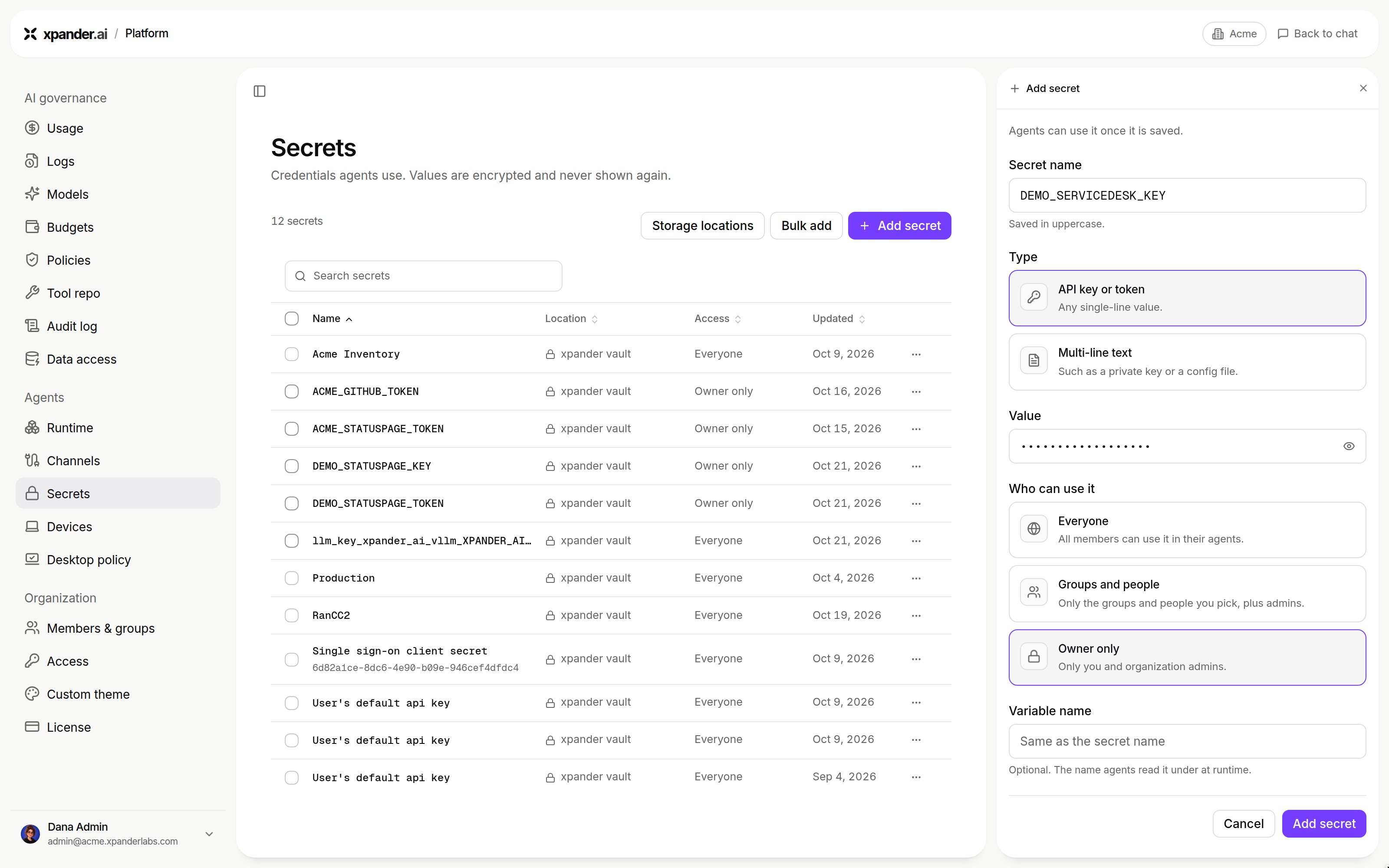
Add secret: name, type, value, who can use it and an optional variable name. Shown with sample data.
An external vault
Storage locations > Attach vault connects a vault your organization already runs. xpander imports secret names only. The values stay in your vault, and${ext:NAME} pulls a value when the workspace starts.
Supported today: Azure Key Vault. You need its vault URL, tenant ID, and the client ID and secret of a service principal with Get and List secret permissions. After you rotate that secret, use Update credential. Refresh secret names re-imports names. Detach vault removes the names without touching the values.
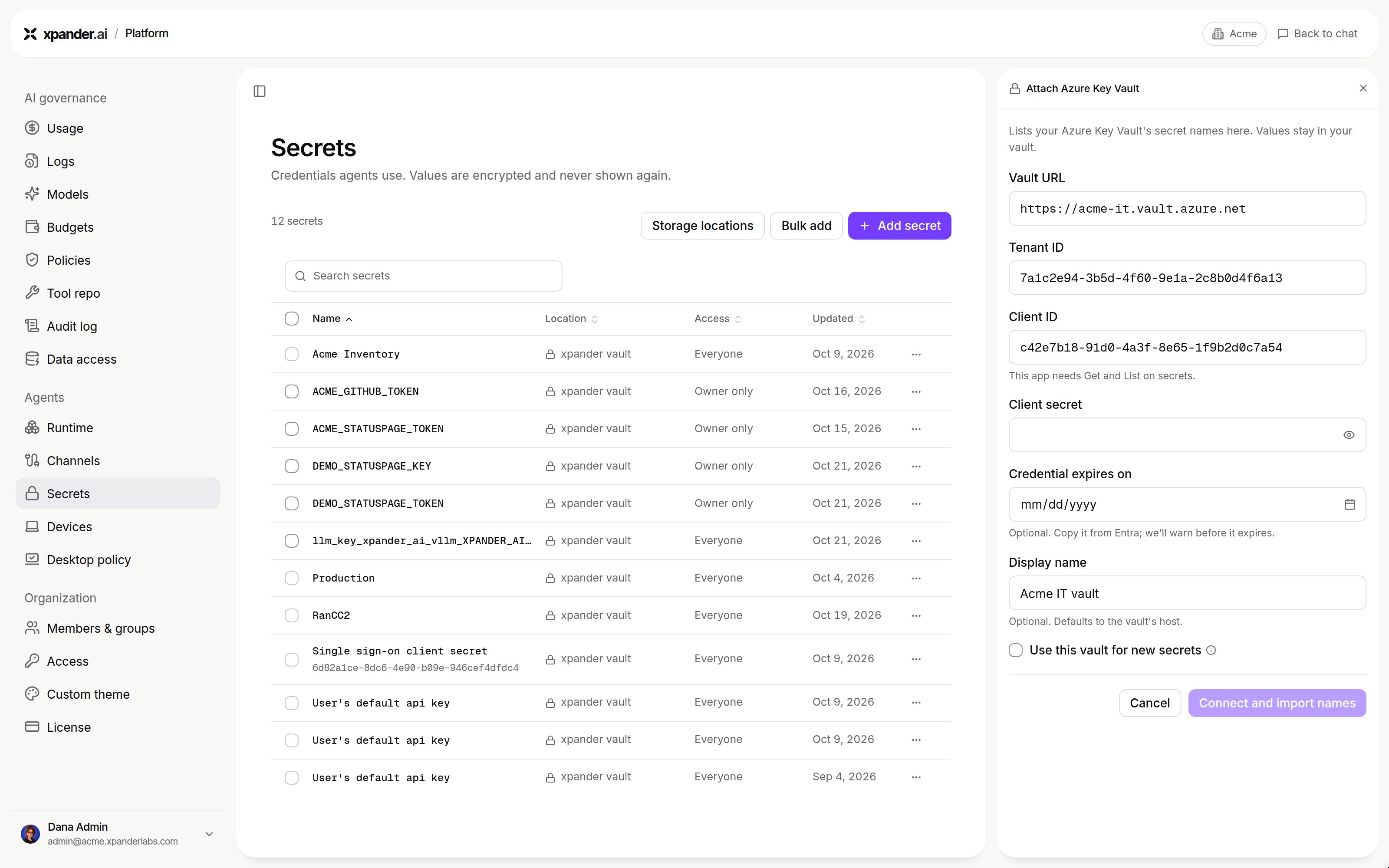
Attach Azure Key Vault: vault URL, tenant ID, client ID and secret, optional expiry and display name, and whether new secrets go to this vault. Shown with sample data.
xpander’s keys on a self-hosted cluster
Provider keys and xpander’s own secrets are Kubernetes secrets in the release namespace:
Skill credentials, connector OAuth tokens and IAM session credentials stay in your cluster. The skill relay injects them at call time. Per-person MCP sign-in tokens stay in your cluster on Air-Gapped. On Hybrid they live in xpander Cloud’s vault and are fetched at run time (details). Skills that reach AWS can use AWS Secrets Manager.
Next steps
Understand how agents use credentials
Vault, workspace secrets, connections
Manage LLM API keys on Hybrid
Chart values to secrets