An agent on xpander is a record: a name, instructions, a harness and a model, the skills it may use, its permission mode and gated commands, its budgets, and who may use it. It does no work by itself. Work happens in conversations. Each conversation is a session of Claude Code, Codex or OpenCode that xpander starts for that agent in its own working directory, and every message you send is one turn of that session. The conversation is also the task record: the row that holds the messages, every action the session took, the files it produced, token usage and cost. Runs that arrive from Slack, Teams, email, a schedule, a webhook or the API are conversations of the same kind; Xpander Chat lists them under Conversations and in the Task Manager.

What launching does

When the first message of a conversation arrives, xpander:
  1. Picks the harness. The message may name one; otherwise the conversation’s last harness is used, otherwise the agent’s default. A new agent’s default follows the organization’s default model: Anthropic, directly or through Amazon Bedrock, gives Claude Code; OpenAI gives Codex; any other provider gives OpenCode. The composer’s picker lists every model with the harness it runs on. Switching keeps the conversation and hands the new harness the history.
  2. Claims an executor. Sessions run on a warm pool of executor pods, the machines that run agent sessions. The executor already holding this agent’s directory takes the turn; otherwise the least loaded one does. Turns inside one conversation run one at a time; conversations of the same agent run in parallel.
  3. Builds the sandbox. The turn runs in its own isolated sandbox: it cannot see other agents’ files or processes, and nothing it does reaches outside its own directory. Each harness gets its own memory, CPU and process ceilings, and an admin can raise them per agent up to the fleet’s caps. The agent’s directory is bound at /agent/data; the working directory of this conversation is /agent/data/workdirs/<conversation id>.
  4. Connects the harness to its model. The session receives ANTHROPIC_BASE_URL or OPENAI_BASE_URL pointed at the runtime it is running on, plus a short-lived session token. It never receives a provider key. The runtime holds the key, applies the model policy and the budget, records the call under the person who asked, and forwards the call to the model provider.
  5. Writes the instructions file and connects the skills, described below.
  6. Runs the turn and streams what happens into the conversation: text, each skill call with its parameters and result, plan updates, and the final answer. An action that needs sign-off appears as an approval card.

The instructions file

Every turn, xpander composes the system prompt from several sources: the agent’s instructions (the static prompt and, when set, the text its dynamic prompt function returns), the catalog of its skills, the agent’s notes, xpander’s conventions for that harness, the person’s memories, and the context of the task. The whole prompt has a budget of 256 KiB. When it does not fit, task context and skill descriptions are trimmed first; the instructions and the output contract never are.
  • Claude Code reads the composed prompt through --append-system-prompt-file. The CLAUDE.md in the working tree carries only a two-line pointer inside a marked block, so anything you or the agent write outside the block survives.
  • Codex and OpenCode read it as AGENTS.md in the conversation’s working directory, rewritten at the start of each turn.
Two files belong to the agent rather than to one conversation: workdirs/CLAUDE.md and workdirs/AGENTS.md, in the agent’s directory one level above the conversation directories. xpander seeds them once and does not rewrite them. Tell the agent to remember something for this agent and it appends there. Every turn of every conversation on that agent starts by reading them.

How skills reach the session

  • API connectors and custom actions are served to the harness over MCP from a local endpoint inside the session, one action per operation, named mcp__xpander__<action>. Each call goes back to xpander, where the credential is attached, the approval rules apply, and the call is recorded and billed. The session never holds the credential.
  • Remote MCP connectors are reached through the same local endpoint. Local MCP connectors (a stdio command) are written into the harness’s own configuration for the turn.
  • Markdown skills are synced to the agent’s directory every few minutes, refreshed before a turn when they are older than a minute, and linked where each harness looks: .claude/skills for Claude Code, ~/.agents/skills for Codex and OpenCode. Skills the agent writes for itself live under local_skills/.
  • Workspace secrets arrive as environment variables from a Kubernetes Secret mounted read-only, read again before every turn.

What is isolated, what is shared

Two conversations of the same agent see the same installed packages and the same agent notes, but not each other’s files or history. Two agents never share a directory.
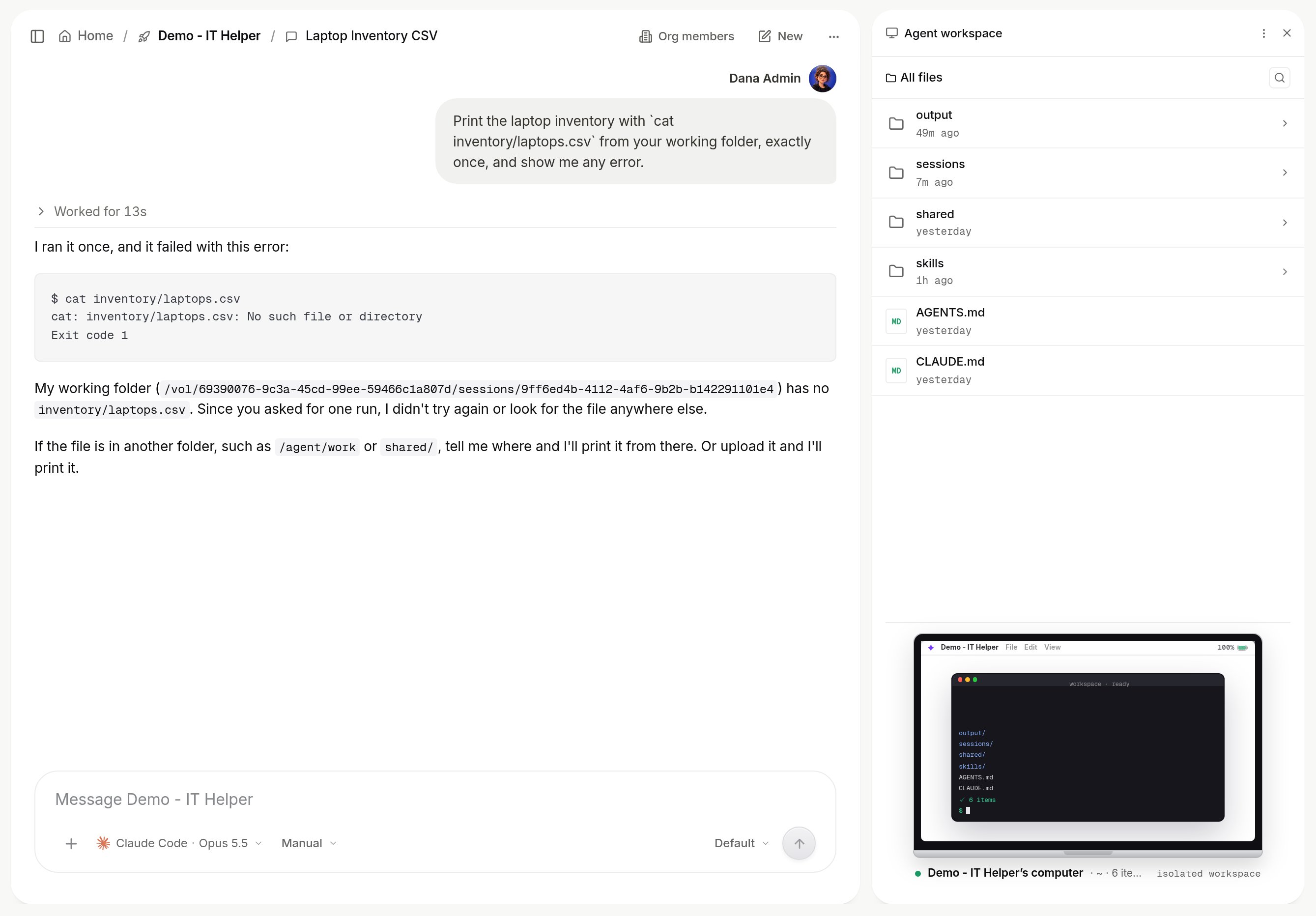
Computer view at the agent level showing a conversation-id folder alongside AGENTS.md and CLAUDE.md

The agent's directory, opened with no conversation active: a folder per conversation id next to the agent's own AGENTS.md and CLAUDE.md.

When a session ends

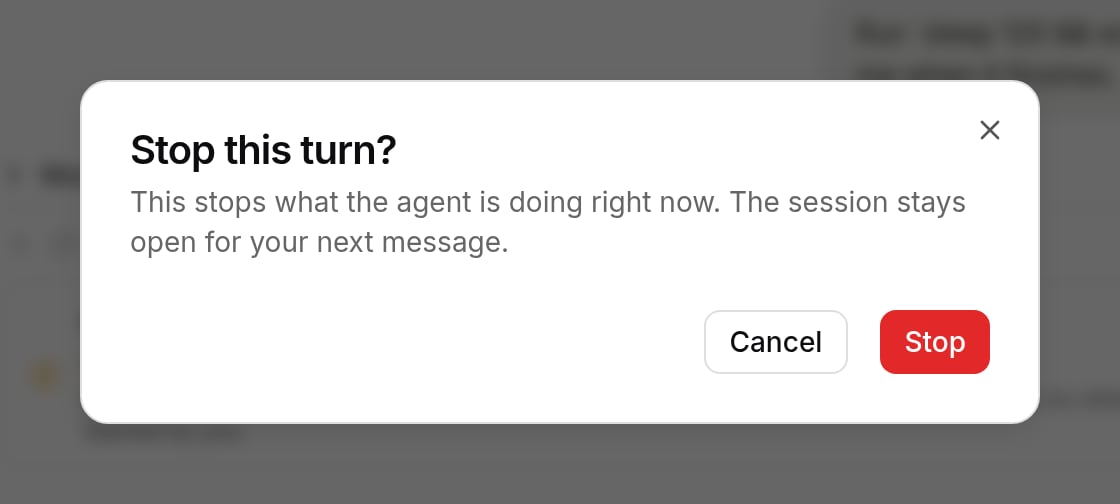
A turn ends when the harness finishes, when it has produced no output for 15 minutes, or after two hours. In the last two cases the conversation says so, and the next message resumes the session. Closing the browser tab does not stop a turn; the run continues on the executor and Xpander Chat reattaches. An exhausted budget stops the run at its next model call with “Execution stopped: budget exceeded.” Stop ends the run and withdraws any approval it was waiting for; a confirmation names the conversation and warns that the run can’t be resumed.
Stop this run confirmation dialog with Cancel and Stop buttons

Confirming Stop on a running turn.

Nothing is deleted when a turn ends. The sandbox is discarded; the agent’s directory and the conversation’s working tree stay on the executor’s volume. A conversation idle for 14 days has its working tree removed; the messages, actions and results remain in the record. Reopening a conversation resumes the harness’s own session when it still exists, and otherwise starts a fresh session with the conversation history handed over in the first message.

Next