

kubectl. It is attached per agent, so every conversation of that agent starts on the same computer.
A CLI often replaces a skill. An agent with the AWS CLI and a kubeconfig works the account one command at a time, like an engineer.
Environment, workspace and location
What goes in
Create one under Platform > Agents > Runtime > Environments > New runtime environment.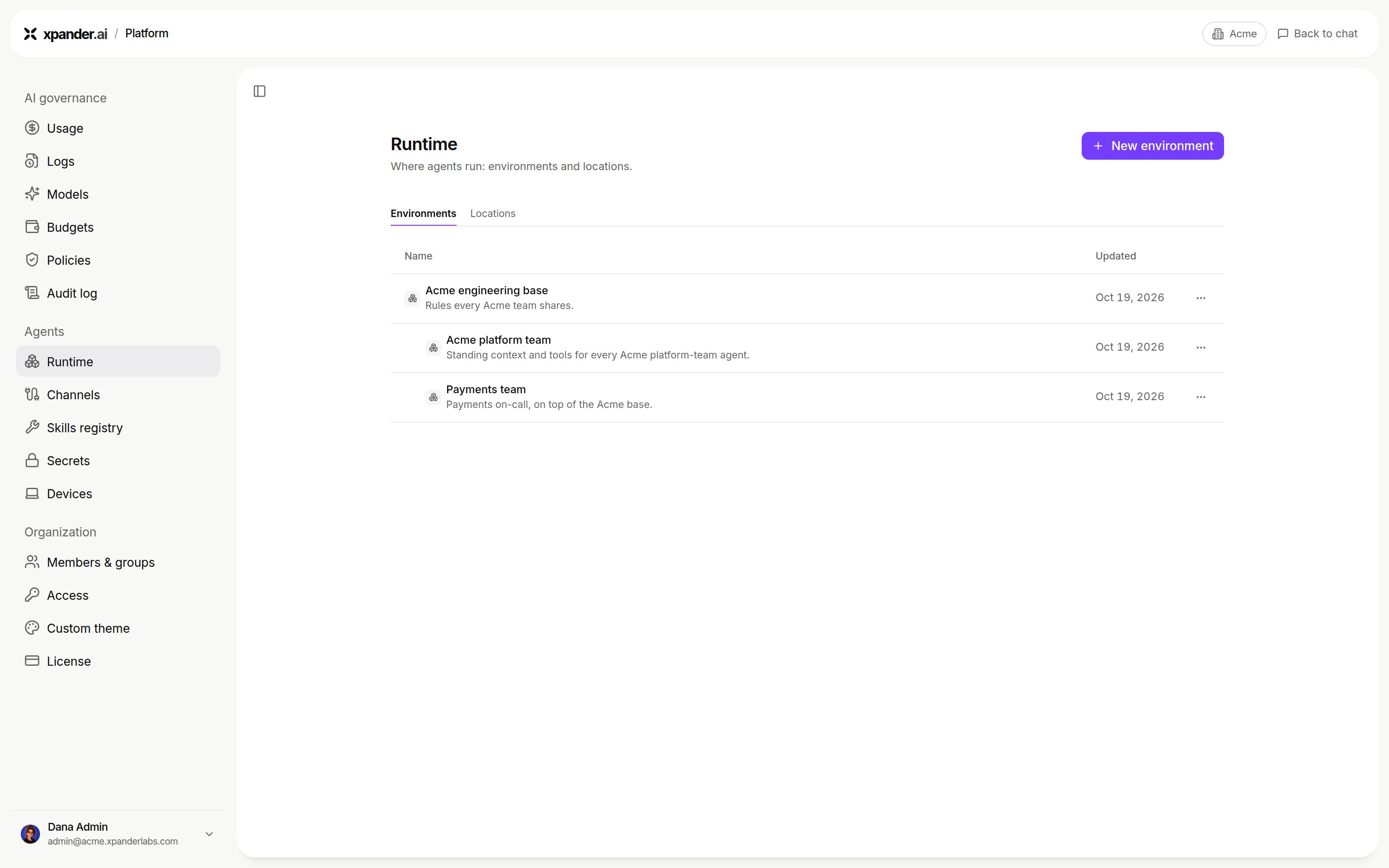
Platform > Agents > Runtime > Environments. Shown with sample data.
Install a CLI
Agent machines do not install brew packages. The agent is told which ones were skipped. Instead, use the CLI’s pip, npm or pnpm package (for exampleawscli from pip), or download its release binary into $XPANDER_ENV_BIN with a setup script:
How it reaches the agent
xpander builds the environment once and mounts it read-only into every session. The context is managed only in xpander Chat, so the agent cannot rewrite it. Saved changes reach new sessions within 5 minutes. The environment follows the agent to any location. Secrets are not part of it. A CLI reads its credential from the agent’s Workspace secrets at the moment of a call. Config files name the endpoint and account, never the key.Attach it to an agent
Pick it under Agent settings > Advanced > Runtime environment. The next session starts on it. Switching does not touch the agent’s files.Next steps
Customize the rest of the agent
Instructions, skills, approvals.
Store the agent's secrets
Credentials for CLIs and skills.