

The Surfaces page
Surfaces in the left column, between Workflows and Scheduled, lists every surface you can open: “Live pages your agents build and keep up to date.” The tabs All, Yours and Shared with you split the list, and a search box narrows them. Each row shows who can see it, such as Org or Only you, and when it was last updated.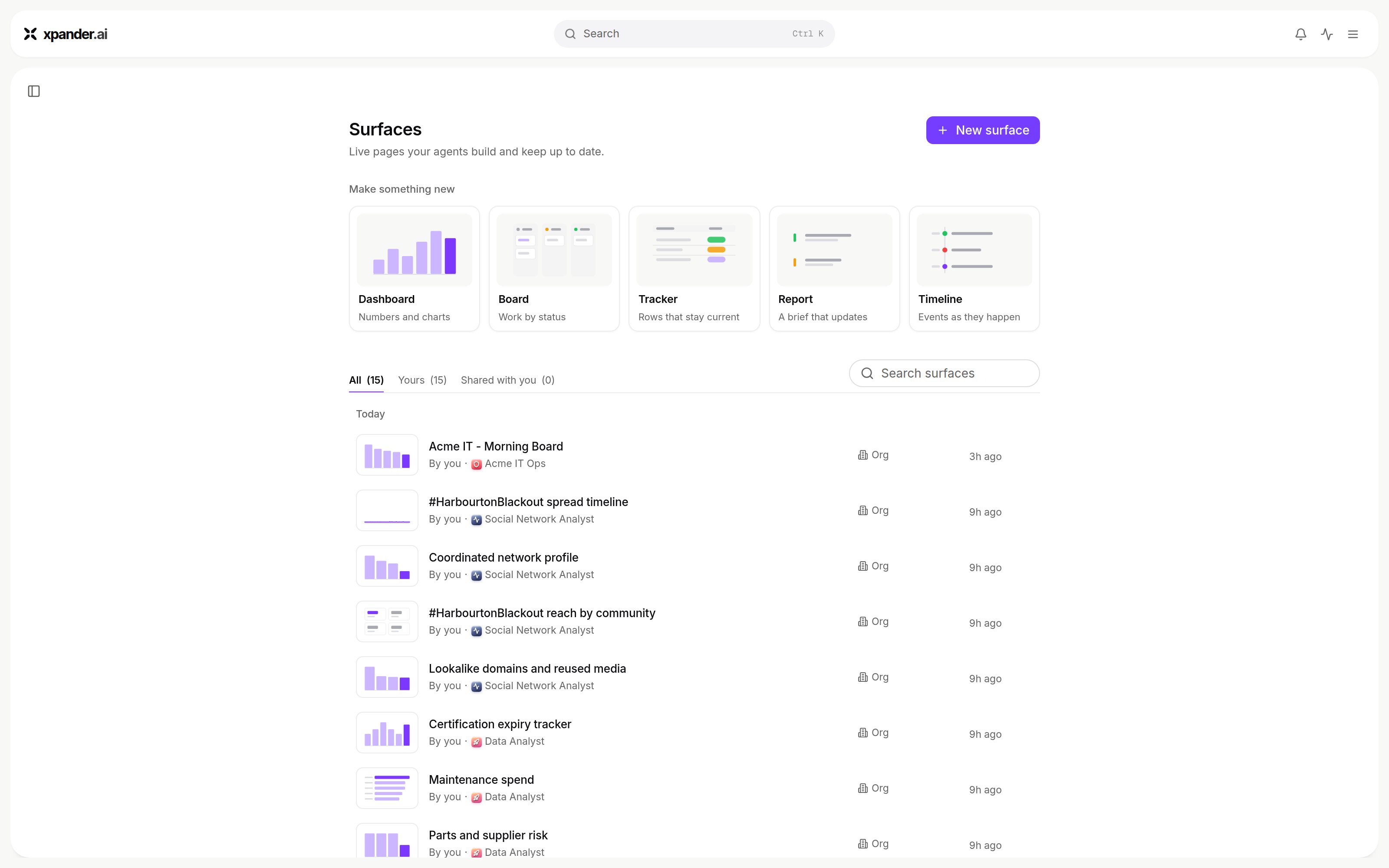
The Surfaces page: templates under Make something new, the All, Yours and Shared with you tabs, and each surface's visibility. Shown with sample data.