

Omni Desktop connects to whichever xpander its address points at. With a self-hosted install, members enter your install’s address on first run, for example chat.acme.com, and everything else follows from it.

Hybrid and Air-gapped

Members’ Macs must reach your install’s address over HTTPS, for example on your network or VPN.

Point every Mac at your xpander with MDM

Set the address for every Mac with a configuration profile from your MDM (Jamf, Kandji, Intune or another):
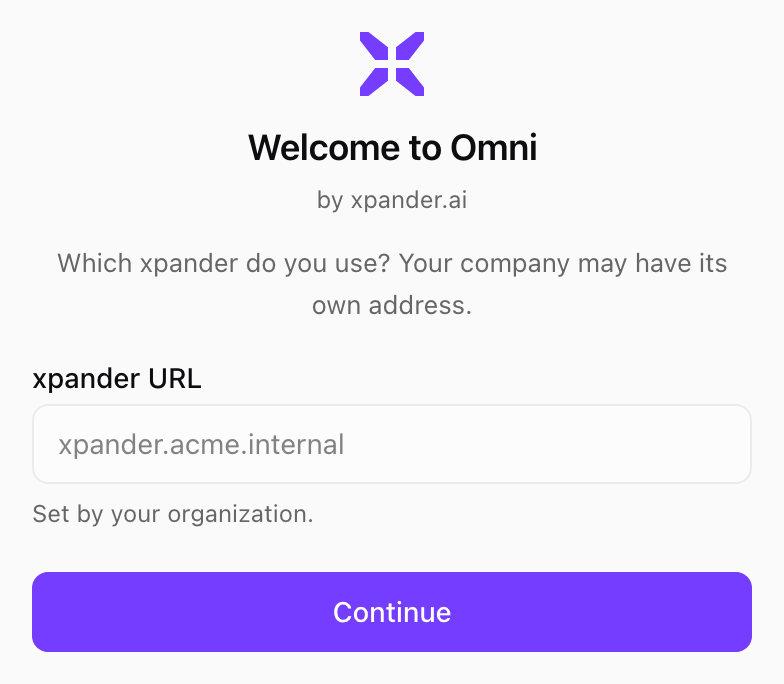
With the profile installed, the app opens on that address, shows Set by your organization, and members cannot change it.
Welcome to Omni screen with the xpander URL field locked to xpander.acme.internal and the note Set by your organization

The first run on a Mac whose address is set by MDM. Shown with sample data.