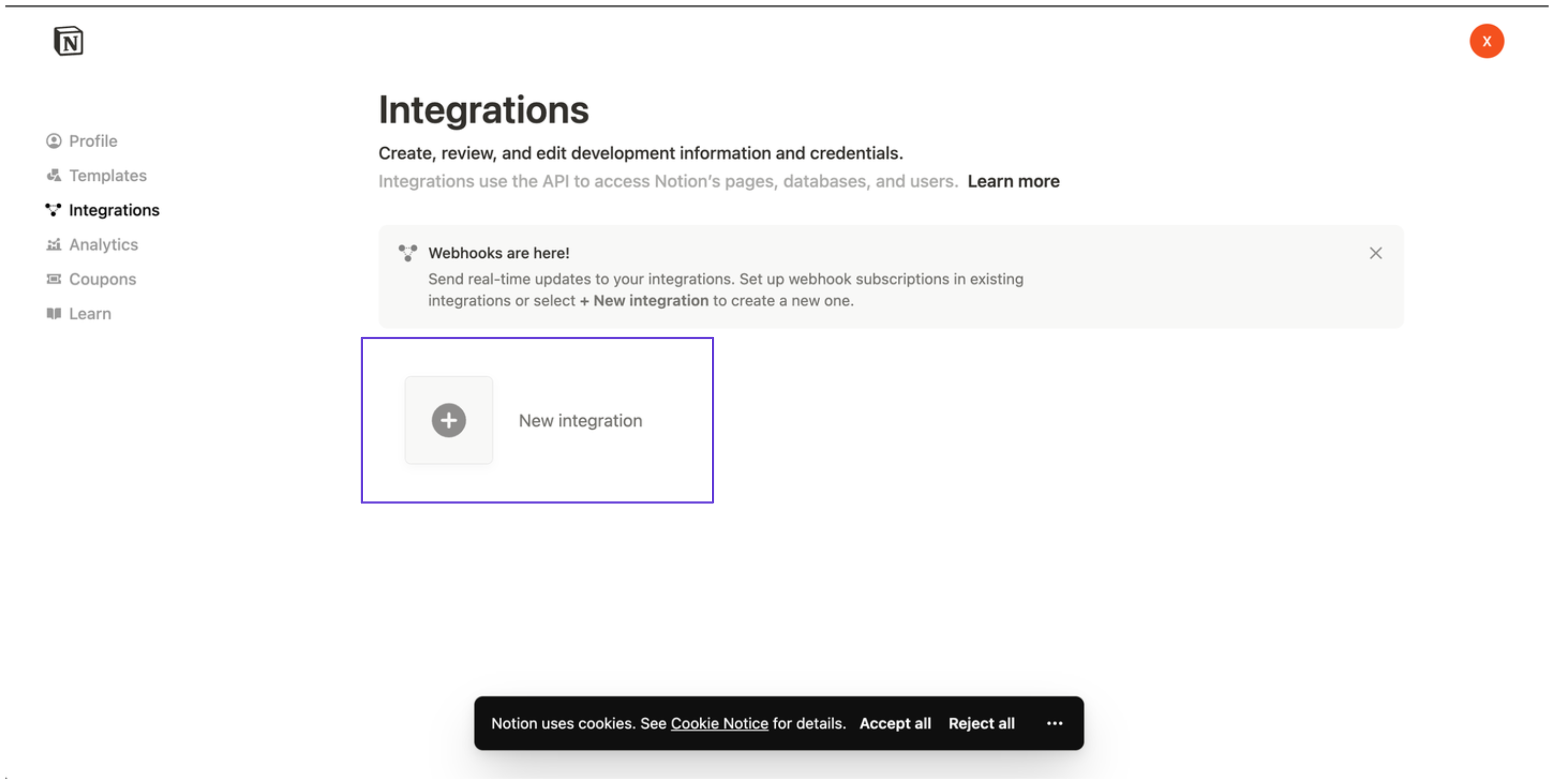
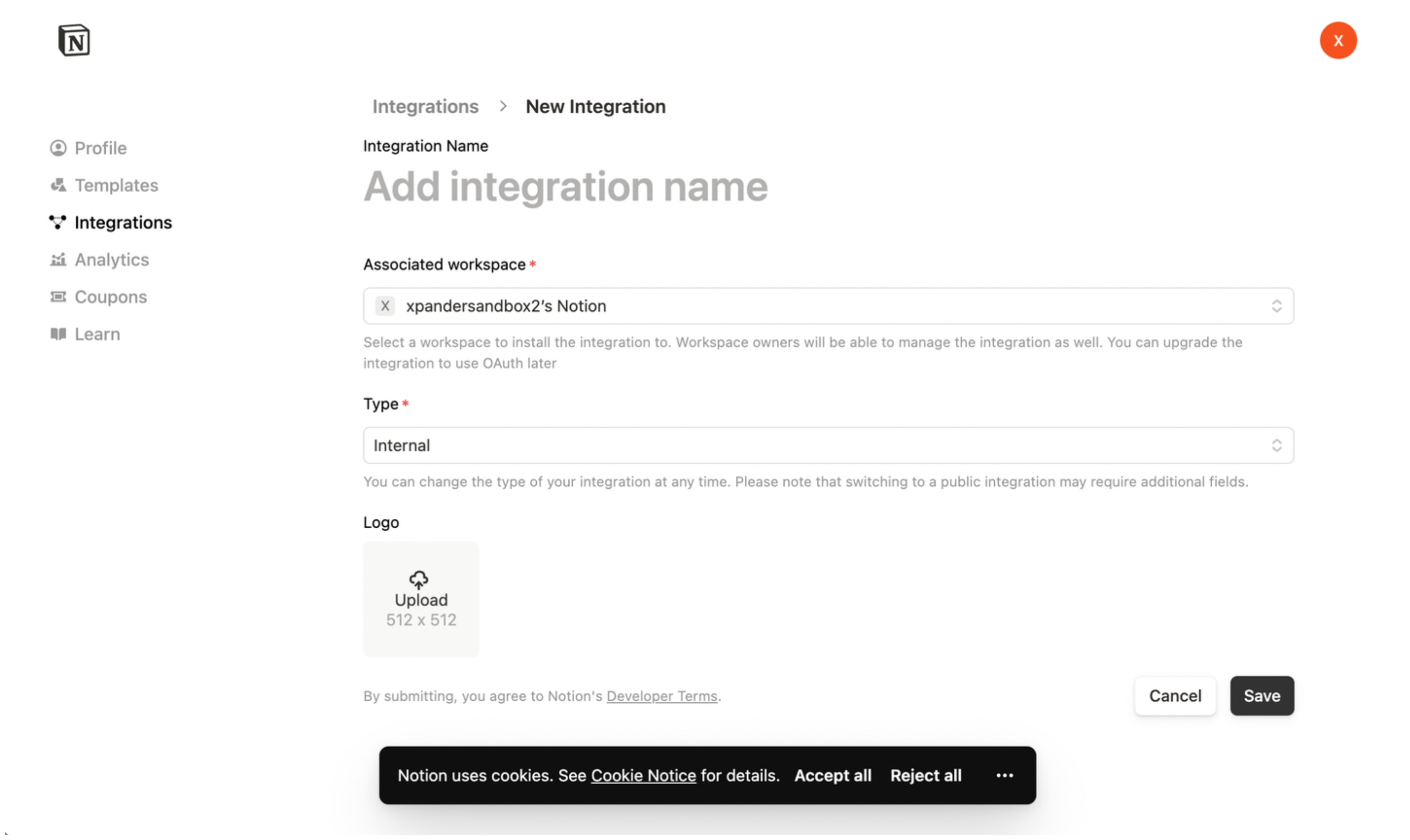
https://api.notion.com/v1 and carry an OAuth 2.0 token obtained with Sign in with Notion on the cloud edition, or an API key or custom header on a self-hosted installation, which offers no sign-in flow.
What the skill can do
API connector: 19 actions, as they appear in the skill panel. 10 of them create, change or delete something in Notion; mark those under These actions need approval when you add the skill to an agent.- Block content management (5): Blocks Retrieve Block By Id, Blocks Delete Block By Id, Blocks Update Block Content, Blocks List Child Blocks, Blocks Append Child Blocks
- Page and workspace management (5): Create New Page In Workspace, Retrieve Page By Id, Update Or Archive Page By Id, Properties Retrieve Property Item By Id, Content Search Search Pages And Databases
- Database structure management (4): Create New Database, Retrieve Database By Id, Update Database By Id, Query Query Database Entries By Id
- User and bot management (3): List All Users In Workspace, Retrieve Bot User Details, Retrieve User By Id
- Comment discussion management (2): Retrieve Unresolved Comments, Collaborative Interaction Add Comment To Discussion
Authentication Options
- Built-in xpander Auth
- API Access
The simplest way to connect Notion is by using xpander’s built-in authentication:
- In Xpander Chat, open the agent’s settings and click Add skill.
- Search for Notion and select it.
- Click Sign in with Notion.
- Grant xpander permission to access your Notion workspace.
- Your Notion integration is now ready to use.